Snaplock APK Download v1.2.1 (Latest Version) for Android
⬇ Download APK v1.2.1Snaplock APK is an offline password manager that offers a seamless and secure way to manage your passwords while preserving your data's integrity. Designed as a KeePass-compatible tool, it enables users to store and access their passwords effectively, whether they prefer local storage or syncing across devices. Those seeking a robust password management solution will find it exceptionally useful.
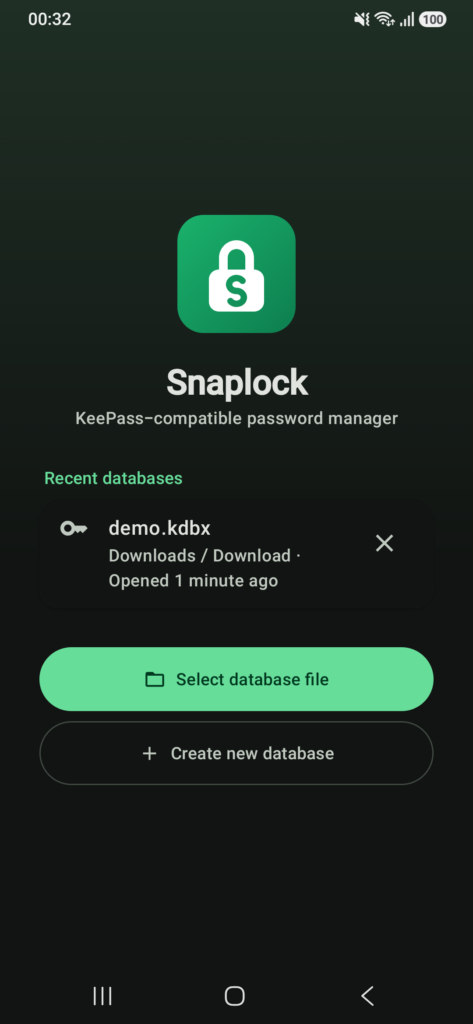
Table of Contents
About Snaplock APK
Snaplock is an open-source password manager that operates offline while being fully compatible with KeePass formats. This means you can manage your encrypted .kdbx files directly on your device without any reliance on the internet, making it a suitable option for users who prioritize privacy and security. By keeping your login information at your fingertips, it streamlines the sign-in process for various applications and services.
The app empowers users with a range of features, such as autofilling passwords in browsers and apps, which saves considerable time when logging in online. Additionally, it allows for the integration of two-factor authentication (2FA) codes directly after the required passwords, enhancing security. With compliance to the KeePassXC standards and support for passkeys, using it for secure sign-ins becomes intuitive and straightforward.
Beyond just password management, Snaplock provides organizational tools to ensure all your credentials are easily accessible. Users can create groups, make use of custom fields, and manage attachments related to their entries. This comprehensive approach not only enhances security but also ensures a personalized experience, making it easier to keep track of multiple accounts and their associated details.
Key Features of Snaplock APK
- The app seamlessly integrates with Android, allowing for autofill functionalities in both applications and web browsers, making password entry effortless.
- Users benefit from the capability to enter one-time 2FA codes directly after their passwords, bolstering the security of their accounts.
- With support for various encryption methods like AES-256, users can choose how their credentials are protected, ensuring robust data privacy.
- Snaplock includes powerful organizational features, such as grouping passwords and using custom fields, which enhances the user experience.
- A daily backup mechanism preserves vault files, ensuring users never lose their stored credentials even if changes occur across devices.
- The app can merge changes made to the password vault from multiple devices rather than simply overwriting them, providing a seamless experience.
Snaplock APK Information
| App Name | Snaplock |
| Package | com.erenium.snaplock |
| Version | 1.2.1 |
| Size | 3 MB |
| Requires | Android 7.0 and up |
| Category | Password & 2FA |
| Developer | Eren Malkoç |
| License | GPL-3.0-or-later |
| Source | F-Droid |
| Last Updated | November 23, 2026 |
How to Install Snaplock APK on Android
- Download the Snaplock APK from a trusted source like F-Droid.
- Make sure to allow installations from unknown sources in your device settings.
- Tap the downloaded APK file to initiate the installation process.
- Once installed, open the app and set it up according to your preferences.
Pros and Cons
Pros
- Snaplock offers a high degree of security by operating offline and emphasizing user privacy with no reliance on cloud-based services.
- The ease of use with features like autofill and integrated 2FA codes saves significant time during the login process.
- Its open-source nature allows for transparency and contributions from the community, bolstering its credibility among privacy-conscious users.
Limitations
- Without a dedicated app store listing, users may find it inconvenient to check for updates, as they have to manually download new versions.
- The app may require some initial setup time for users not familiar with password management or the KeePass ecosystem.
- As an APK file, it needs to be sideloaded, which could be a barrier for those unfamiliar with this installation process.
Who Is This App For?
Snaplock is ideal for users looking for a reliable, offline password manager that prioritizes security and privacy. It suits individuals who prefer to maintain direct control over their password vault and want compatibility with KeePass tools.
Looking for similar apps? Browse more Password & 2FA apps or see all Android apps on APK2GO.
Frequently Asked Questions
What is Snaplock used for?
Snaplock is a password manager that helps users securely store and manage their passwords. It keeps your sensitive information organized and accessible while ensuring it remains private and encrypted.
Is Snaplock free to use?
Yes, Snaplock is an open-source application released under the GPL-3.0-or-later license, making it available as a free option for users seeking a robust password management solution.
Is the Snaplock app safe?
Absolutely! Snaplock operates offline and allows users to utilize strong encryption methods. With no reliance on cloud storage, it minimizes risks associated with data breaches.
Where can I download Snaplock?
You can download Snaplock from trusted repositories like F-Droid or directly from their [GitHub page](https://github.com/erenmalkoc/snaplock-v2), ensuring you get the latest version safely.
How does Snaplock handle backups?
The app provides a daily backup feature for your vault file, ensuring that any changes are routinely saved. This helps prevent data loss and keeps your password information secure.
Official page: Snaplock official website / source