
EtchDroid ISO to USB Writer APK Download v2.2 (Latest Version) for Android
⬇ Download APK v2.2The EtchDroid ISO to USB Writer APK is a powerful open-source tool designed to facilitate the writing of operating system images to USB drives seamlessly. Ideal for tech enthusiasts and users who frequently work with different OS installations, this app proves invaluable in many situations, particularly when traditional computers fail.
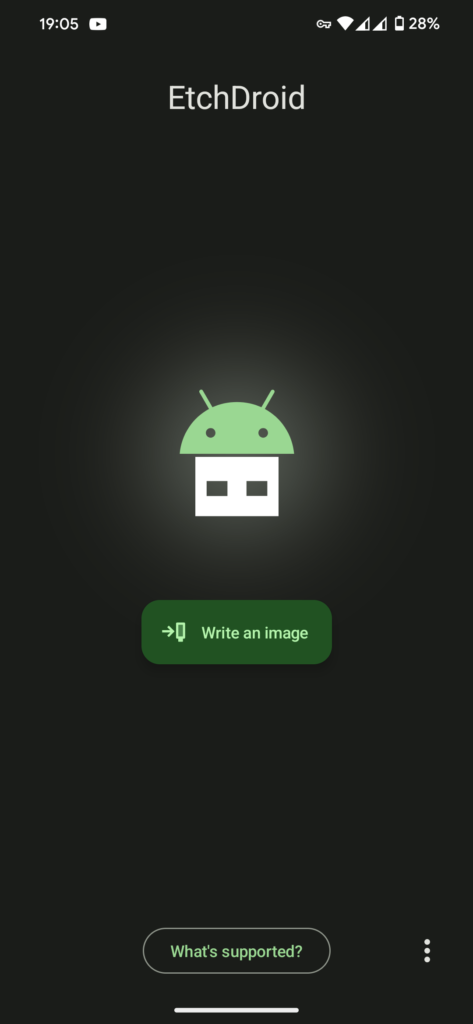
Table of Contents
About EtchDroid ISO to USB Writer APK
EtchDroid functions as a utility to create bootable USB drives from various disk images, making it particularly useful for users needing to install or recover operating systems on their computers. The app supports a range of modern GNU/Linux distributions and Raspberry Pi SD card images, provided that these images are properly prepared beforehand.
The app is crafted to cater to users who require an easy way to create bootable media without needing root access on their Android devices. This accessibility opens up possibilities for a broader audience, enabling anyone to write necessary images without the hassle of cumbersome processes often associated with such tasks.
Developed by Davide Depau, EtchDroid's open-source nature means it is continually improved and maintained by a community of developers. Interested users can find the source code on platforms like GitHub, allowing them to contribute to its development and functionality or to inspect it for security purposes.
Key Features of EtchDroid ISO to USB Writer APK
- It supports various modern GNU/Linux operating systems including popular distributions such as Ubuntu, Arch Linux, and Debian, making it versatile for different user needs.
- The app can also handle Raspberry Pi SD card images, ensuring support for a popular single-board computer that many users rely on for various projects.
- EtchDroid is designed to operate without the need for root access, which makes it accessible to a wider audience of Android users who might not have rooted their devices.
- User experience is enhanced through simple steps to create bootable drives, enabling even novices to follow the process without extensive technical knowledge.
- The application explicitly states limitations on devices and image types, which ensures users are aware of any constraints before beginning their projects.
- EtchDroid is community-driven, which means it benefits from contributions and feedback from users dedicated to improving its functionality and security.
EtchDroid ISO to USB Writer APK Information
| App Name | EtchDroid ISO to USB Writer |
| Package | eu.depau.etchdroid |
| Version | 2.2 |
| Size | 4 MB |
| Requires | Android 6.0 and up |
| Category | System |
| Developer | Davide Depau |
| License | GPL-3.0-only |
| Source | F-Droid |
| Last Updated | November 9, 2026 |
Download EtchDroid ISO to USB Writer APK v2.2
How to Install EtchDroid ISO to USB Writer APK on Android
- Visit the F-Droid website or GitHub to find the EtchDroid APK file.
- Ensure that your device is set to allow installations from unknown sources in the settings.
- Download the APK and locate it in your files, then tap the file to begin installation.
- Once installed, open the app to start using EtchDroid for writing your ISO images to USB drives.
Pros and Cons
Pros
- The application is open-source, which allows users to access its code and promote transparency and community involvement.
- It supports a wide array of Linux distributions and Raspberry Pi images, making it a versatile tool for various projects.
- By not requiring root access, it simplifies the process for users who are unfamiliar with Android's more technical aspects.
Limitations
- There is no official support for Windows ISOs, limiting its use for users looking to create bootable Windows drives.
- The need to manually unzip Raspberry Pi images before using them can be an extra step for users, adding complexity.
- As the app is not available on mainstream app stores, it requires sideloading, which can deter some users who prefer straightforward installation processes.
Who Is This App For?
This app is perfect for tech enthusiasts, developers, and anyone who frequently works with operating systems. It caters particularly to users of GNU/Linux and Raspberry Pi systems, providing an easy means to create bootable media.
Looking for similar apps? Browse more System apps or see all Android apps on APK2GO.
Frequently Asked Questions
What does EtchDroid do?
EtchDroid allows users to write operating system images to USB drives, enabling the creation of bootable media for installations or recovery purposes.
Is the app free to download?
Yes, as an open-source project, EtchDroid is free to download and use, with no hidden costs or subscriptions.
How safe is it to use EtchDroid?
The app is generally safe, especially as an open-source tool. However, users should be cautious with community-built Windows images, as these may contain risks.
What types of images can I write with this app?
EtchDroid supports modern Linux distributions and Raspberry Pi images, but it doesn't support official Windows ISOs or older GNU/Linux versions.
Can I use EtchDroid for creating a Windows USB drive?
Official Windows ISOs aren't supported, but community-built Windows images can be used, though caution is advised due to potential security risks.
Official page: EtchDroid ISO to USB Writer official website / source