Pixel 5G APK Download v2.2.0 (Latest Version) for Android
⬇ Download APK v2.2.0The Pixel 5G APK is a specialized application aimed at enhancing the connectivity capabilities of Pixel devices. It specifically enables users to reconfigure their modem settings, particularly for accessing the 5G NSA network in regions where it is typically restricted. By leveraging this app, users can unlock a new level of performance from their devices.
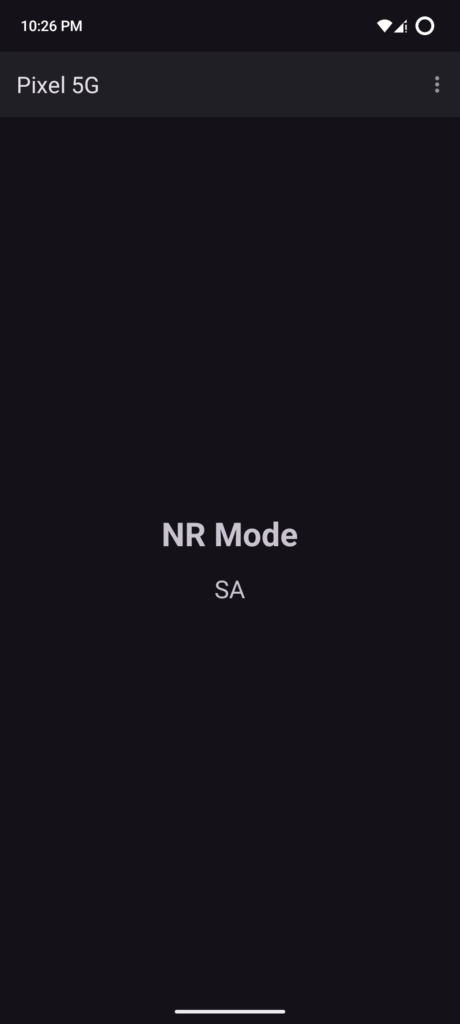
Table of Contents
About Pixel 5G APK
This app primarily serves owners of certain Pixel models, particularly those with Samsung modems, such as the Pixel 6 through 9. In many regions, these devices are locked to exclusively use 5G SA (Standalone) mode, limiting their connectivity options. The app allows users to alter this setting, providing flexibility in choosing between NSA (Non-Standalone) and SA+NSA configurations to potentially enhance their mobile experience.
Users looking to access higher speeds and better network connections can benefit significantly from this tool. By configuring the modem NR mode, this app helps them tap into broader 5G networks available in their regions. Root access is required to implement these changes, making it crucial that users are comfortable with advanced device management before proceeding.
Ultimately, this app empowers users to make the most out of their Pixel devices by expanding their connectivity options. Through the adjustments facilitated by the app, users can ensure optimal performance on their networks, enhancing not just speed but also reliability and responsiveness for mobile data usage.
Key Features of Pixel 5G APK
- The app allows users to switch between different modem NR modes, including NSA and SA+NSA settings, thereby unlocking enhanced connectivity options.
- It is specifically designed for Pixel devices equipped with Samsung modems, especially the models from Pixel 6 to Pixel 9.
- Changing the NR mode can significantly improve 5G connectivity in markets where users face restrictions on accessing the NSA network by default.
- To utilize this tool effectively, users must have root access, ensuring that they take the necessary steps and precautions associated with modifying their device.
- The app modifies default NR configurations for devices that commonly use SA mode, giving users greater control over their connection preferences.
- As a highly specialized tool, it is intended for tech-savvy users who are comfortable navigating advanced configurations on their smartphones.
Pixel 5G APK Information
| App Name | Pixel 5G |
| Package | io.github.saeeddev94.pixelnr |
| Version | 2.2.0 |
| Size | 43 MB |
| Requires | Android 12 and up |
| Category | Connectivity |
| Developer | SaeedDev94 |
| License | MIT |
| Source | F-Droid |
| Last Updated | October 31, 2026 |
How to Install Pixel 5G APK on Android
- First, ensure you have root access on your compatible Pixel device.
- Download the app from a trusted source, like F-Droid or the GitHub repository.
- Before installing, allow your device to install applications from unknown sources in the settings.
- Locate the downloaded APK file and tap to initiate the installation.
- Once installed, open the app and configure the modem NR mode to suit your connectivity needs.
Pros and Cons
Pros
- Empowers users to gain access to enhanced 5G connectivity features that are otherwise restricted.
- Offers flexible options for connection settings, enabling improvements in data speed and reliability.
- Compatible with a range of Pixel models specifically designed with Samsung modems, targeting specific user needs.
Limitations
- The app requires root access, which may be a barrier for less experienced users.
- Regular updates and maintenance may need to be managed manually as the app does not support automated updates.
- It is not available through the Google Play Store, meaning users must sideload the app, which can be less convenient.
Who Is This App For?
This application is ideally suited for tech enthusiasts and advanced users who own Pixel smartphones with Samsung modems and are interested in optimizing their network performance.
Looking for similar apps? Browse more Connectivity apps or see all Android apps on APK2GO.
Frequently Asked Questions
What does the Pixel 5G APK do?
The Pixel 5G APK allows users to change the NR mode of their Pixel devices' modem to enable access to 5G NSA networks, enhancing connectivity options.
Is the app free?
Yes, the app is available under an MIT license, making it free for users to download and use.
Is it safe to install?
The app's safety largely depends on the source from which it is downloaded. It is recommended to download from trusted repositories like F-Droid or GitHub.
How do I use the app?
To use the app, you must first have root access to your device, download the APK, install it, and then use it to modify the NR mode based on your needs.
Can I revert the changes?
Yes, users can switch back to the default SA mode whenever needed by using the app to adjust the modem settings again.
Official page: Pixel 5G official website / source